PO Compliance Procedure
Objective
This SOP outlines the steps to ensure compliance for purchase orders by selecting and verifying compliance codes.
Key Steps
1. Access PO Compliance Form 0:00
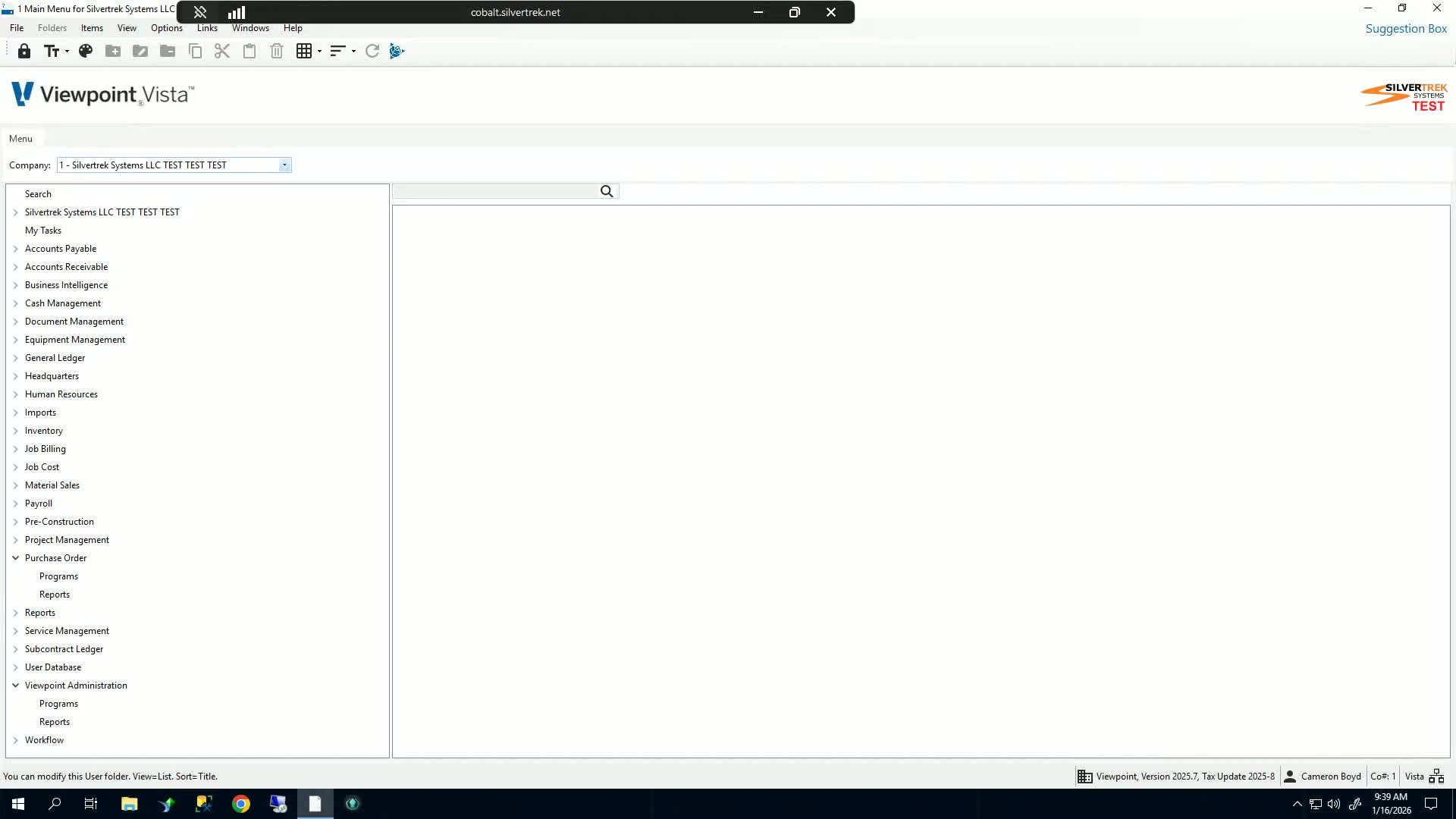
Navigate to the Purchase Order Programs section.
Open the PO Compliance form.
2. Select Purchase Order 0:09
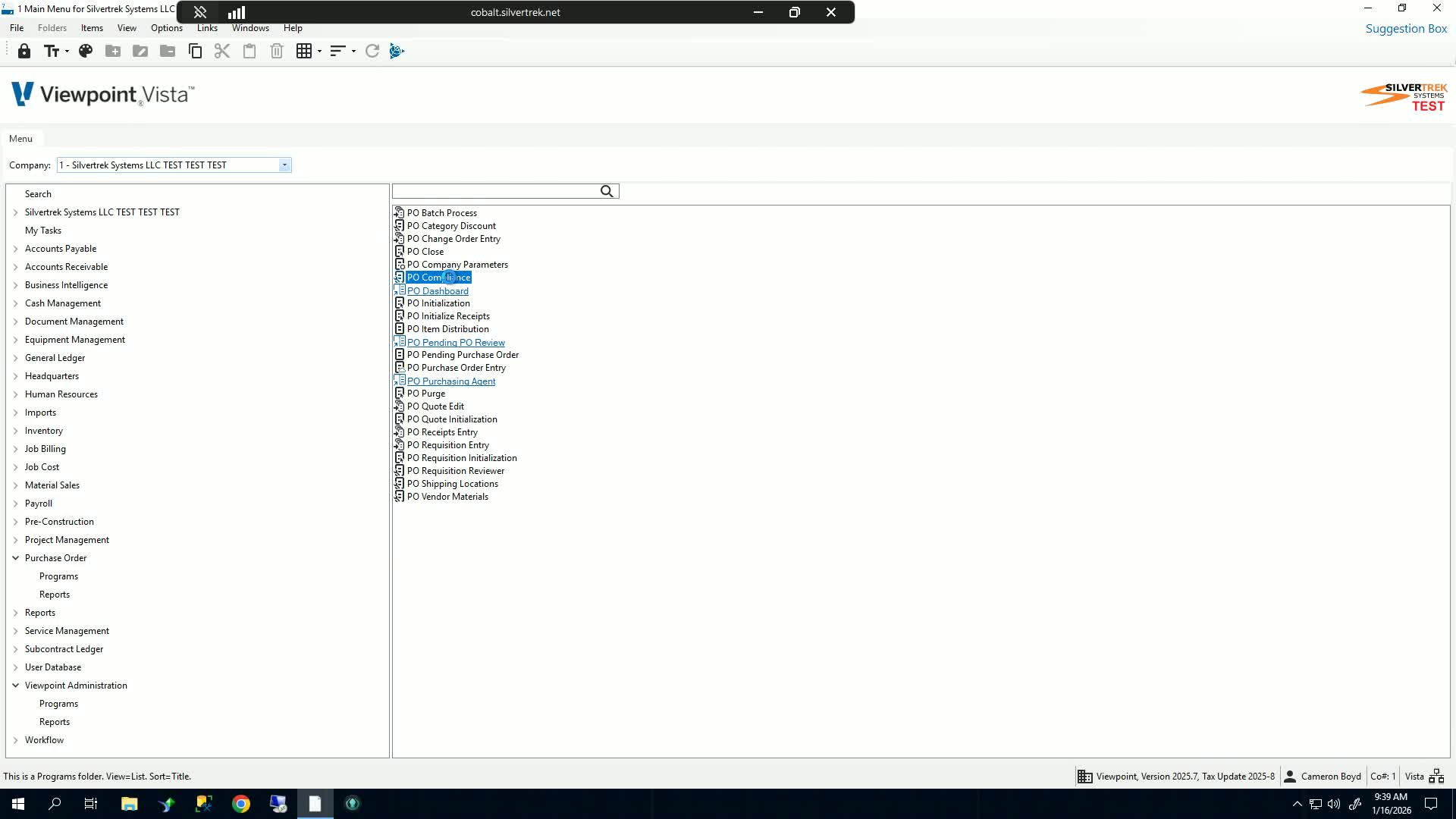
At the top of the form, choose the purchase order you wish to add a compliance code for.
If unsure, you can leave it as the default selection.
3. Choose Compliance Code 0:20
Select the appropriate compliance code from the dropdown menu.
4. Select Supplier 0:29
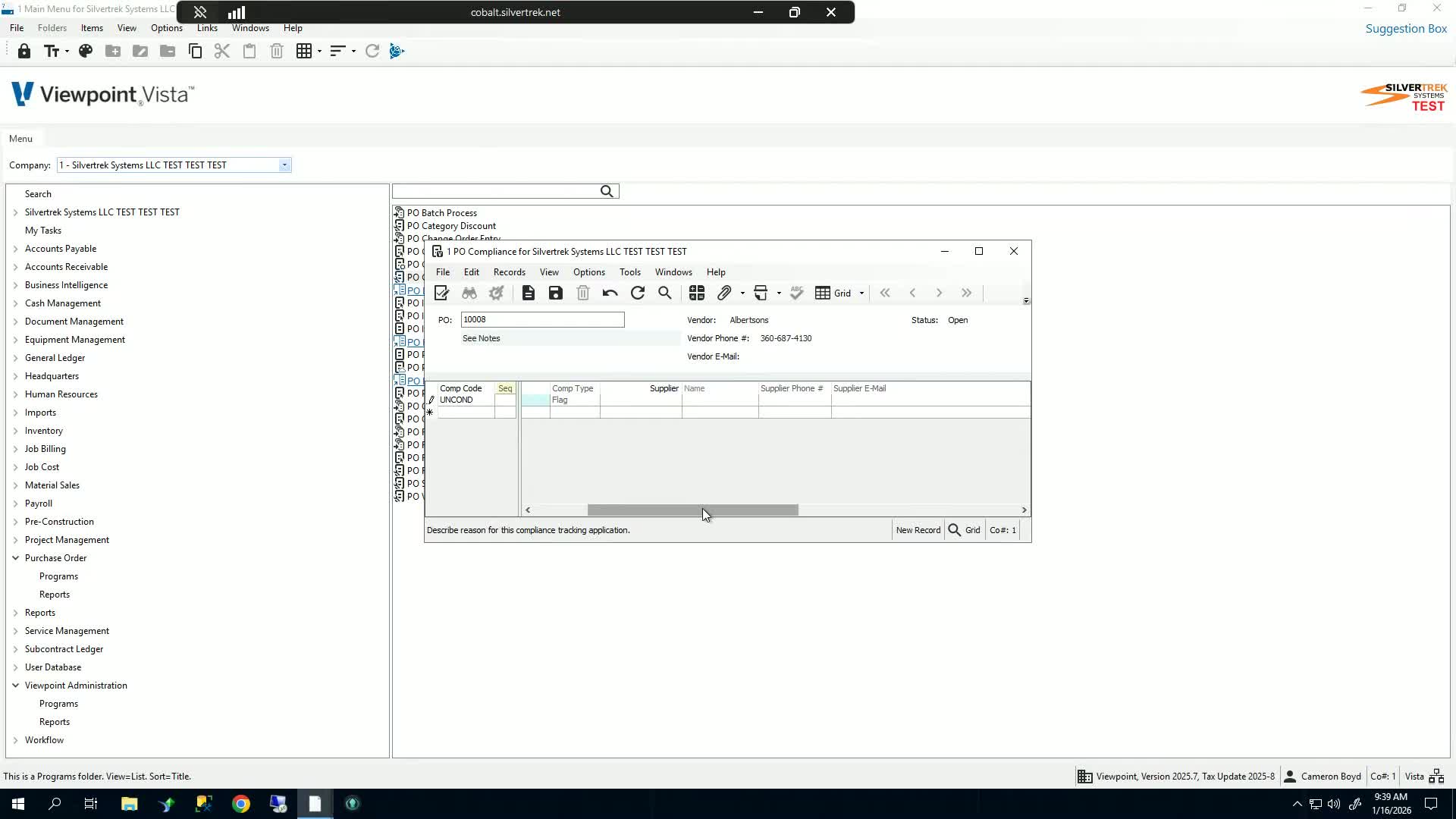
Choose the relevant supplier associated with the purchase order.
5. Verify Compliance 0:29
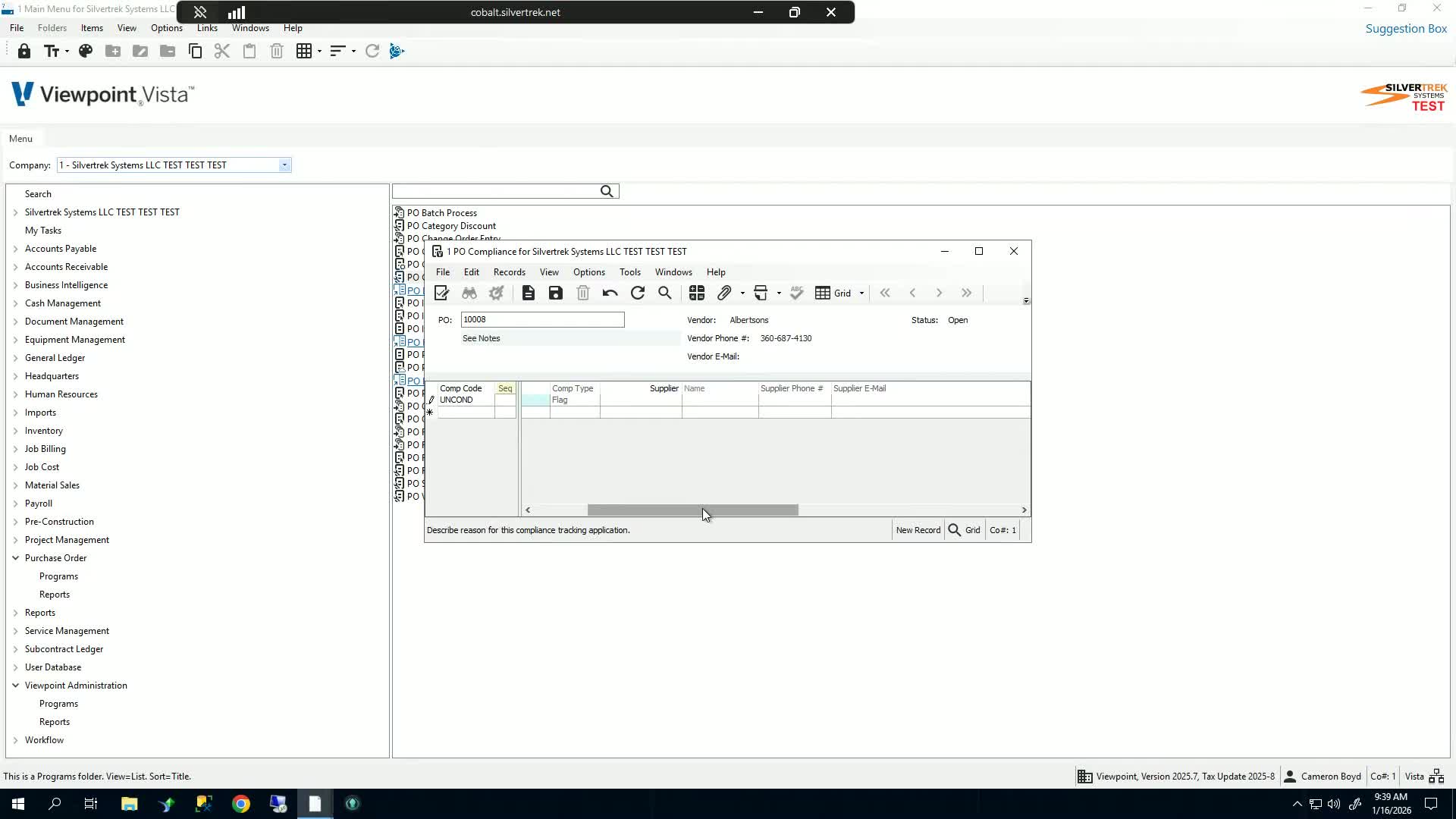
Ensure that the compliance code needs to be verified.
Check the box indicating that it is complied.
6. Save Changes 0:46
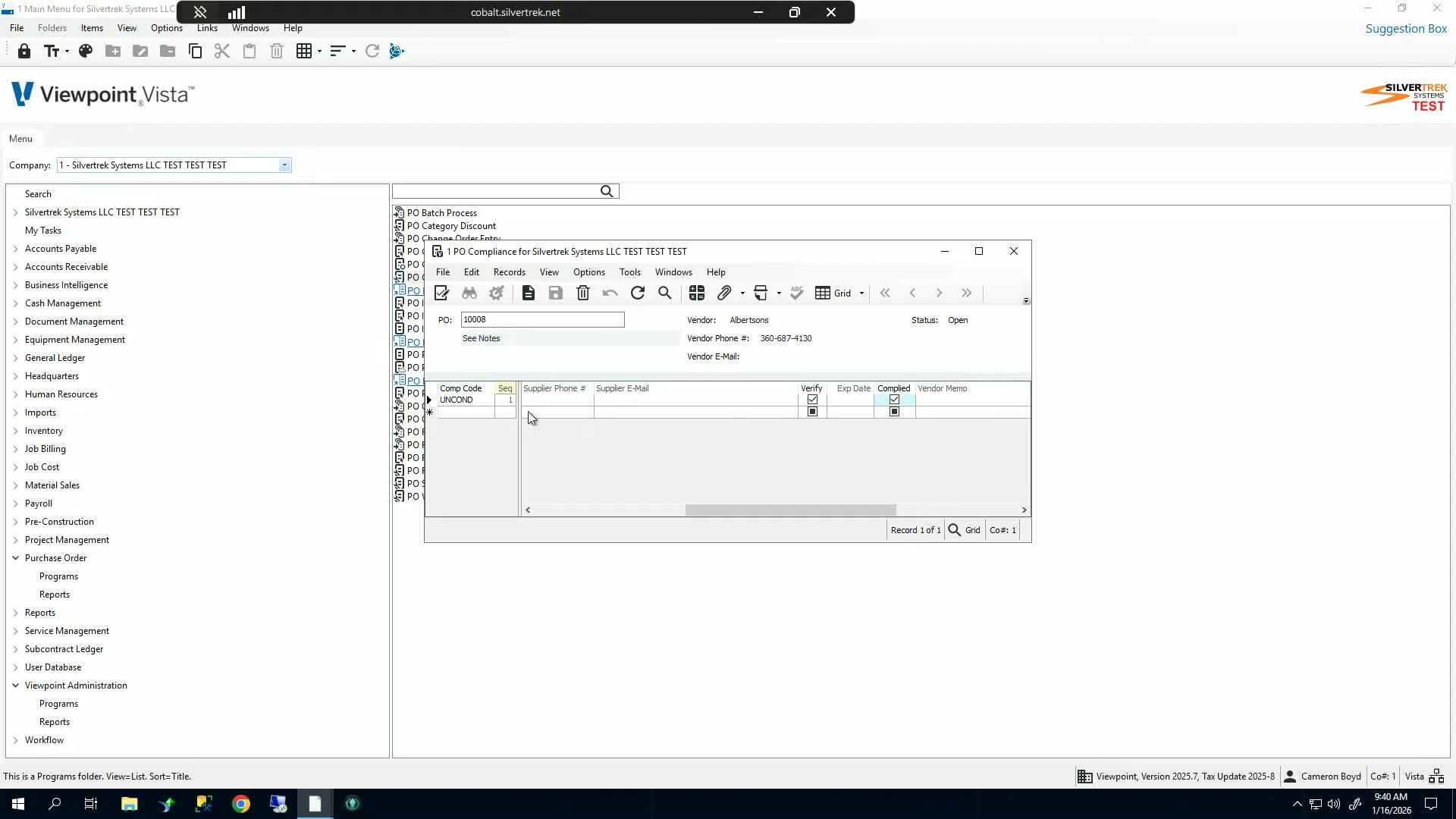
Click the save button to store the compliance information.
You can add multiple compliance codes if necessary.
7. Confirm Compliance 0:56
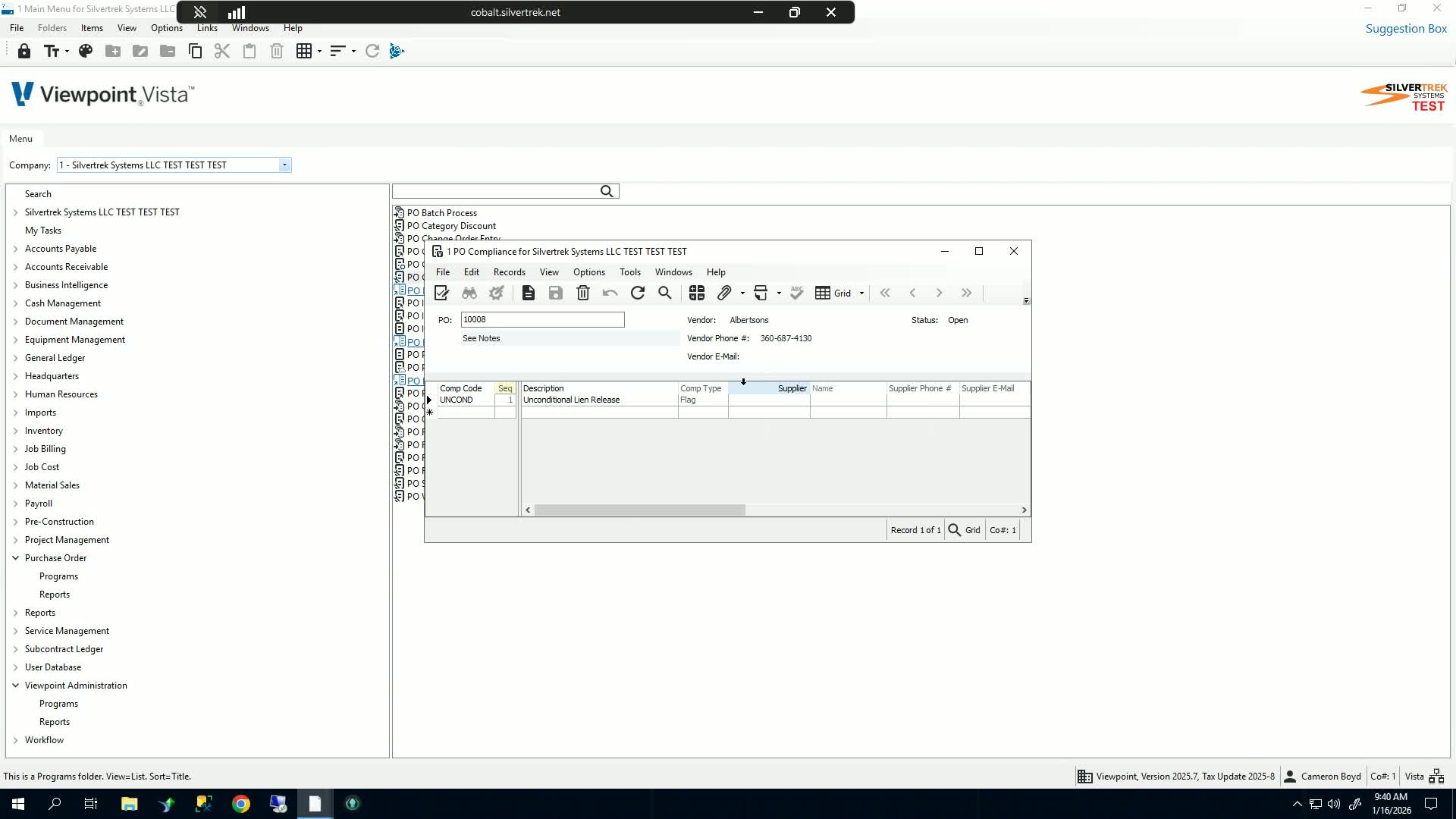
After saving, ensure that the compliance status is updated.
This confirms that the purchase order meets compliance requirements.
Cautionary Notes
Always double-check the selected compliance code to ensure it matches the requirements.
Ensure that all necessary fields are filled out before saving to avoid errors.
Tips for Efficiency
Familiarize yourself with the common compliance codes to speed up the selection process.
Regularly review and update compliance codes to ensure they are current and relevant.
Link to Loom
Was this article helpful?
That’s Great!
Thank you for your feedback
Sorry! We couldn't be helpful
Thank you for your feedback
Feedback sent
We appreciate your effort and will try to fix the article