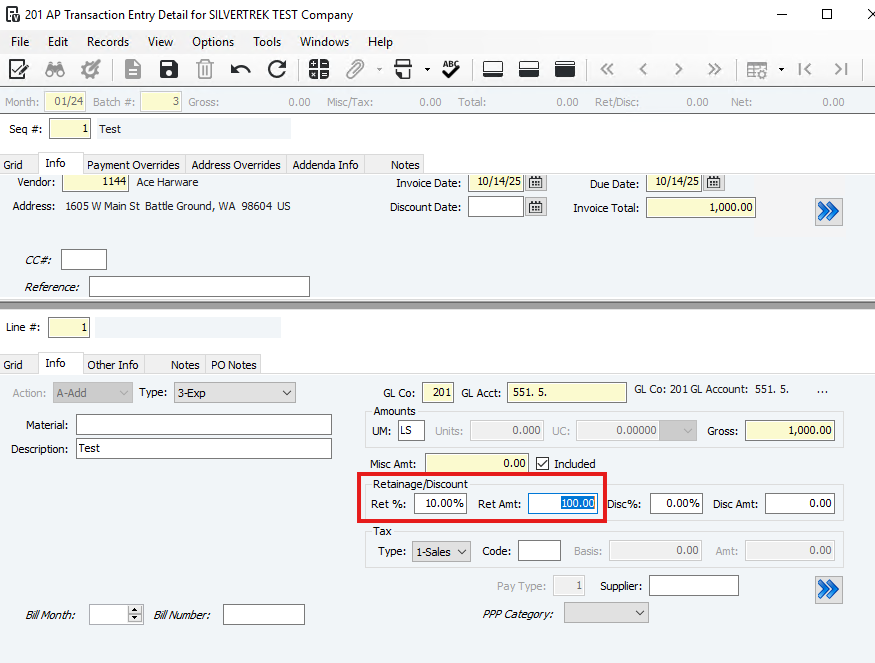
How to Set Up Retainage for Payable Invoices
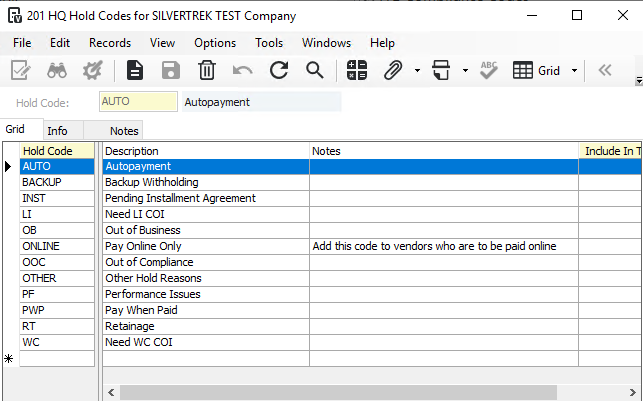
Create a Hold Code for Retainage:
Go to the HQ Hold Codes form.
Set up a hold code specifically for retainage.
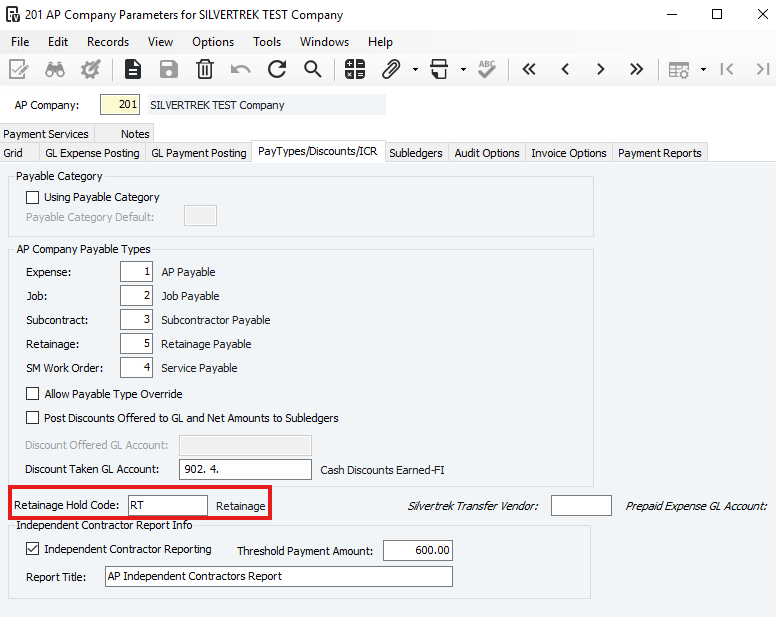
- Enter the retainage hold code in the Retainage Hold Code field in the AP Company Parameters form (PayTypes/Discounts/ICR tab).
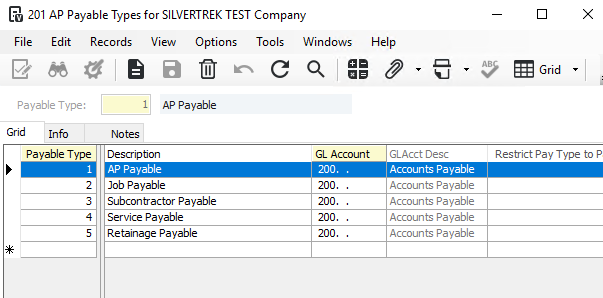
- Set up a pay type for retainage in the AP Payable Types form.
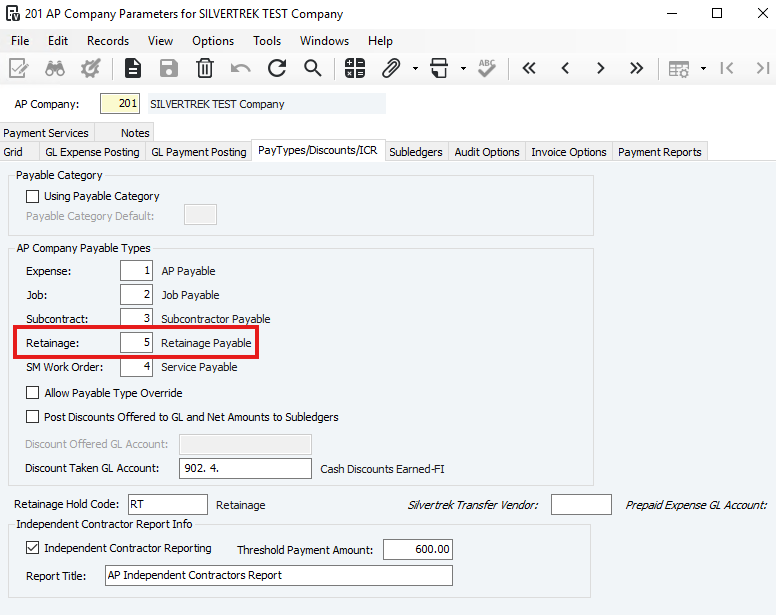
- Enter the retainage payable type in the Retainage field in of the AP Company Parameters form (Pay Types/Discounts/ICR tab).
Was this article helpful?
That’s Great!
Thank you for your feedback
Sorry! We couldn't be helpful
Thank you for your feedback
Feedback sent
We appreciate your effort and will try to fix the article